See TestHub, screen by screen
From registering an app to a failure with a full paper trail.
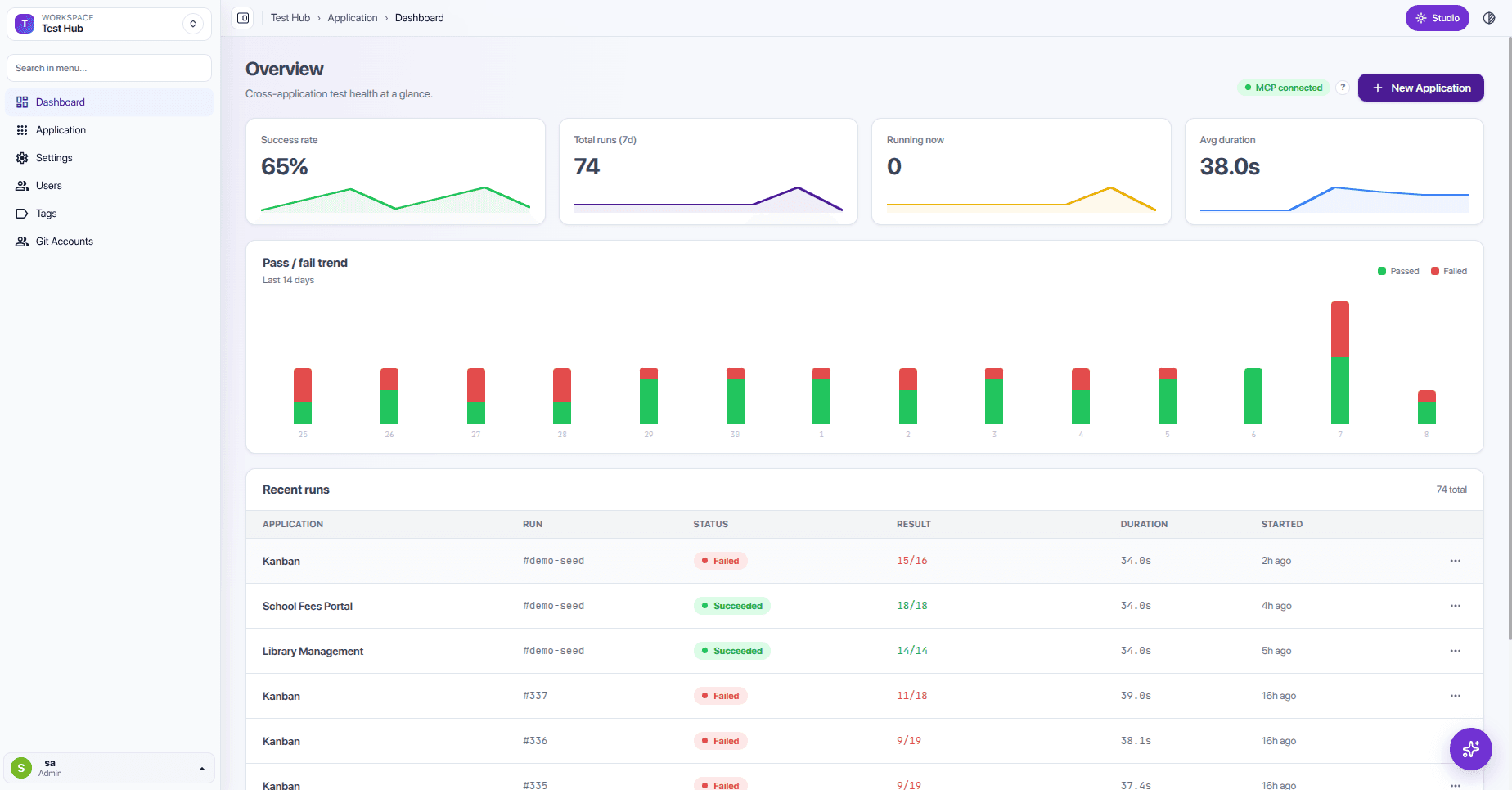
Every application at a glance
Pass and fail trends across all apps for the last 14 days.
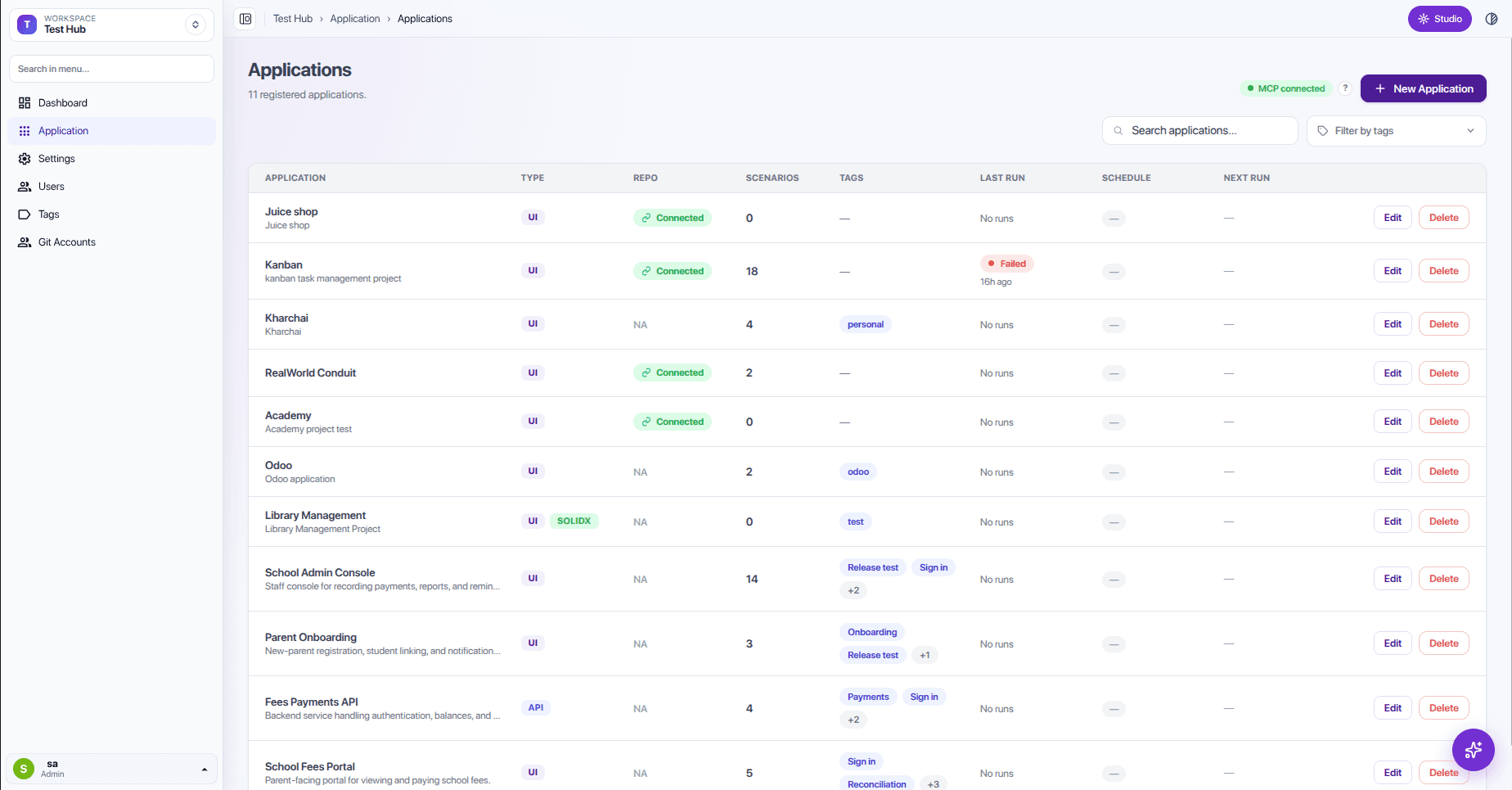
All your apps in one place
Type, repository, tags, and last run for each.
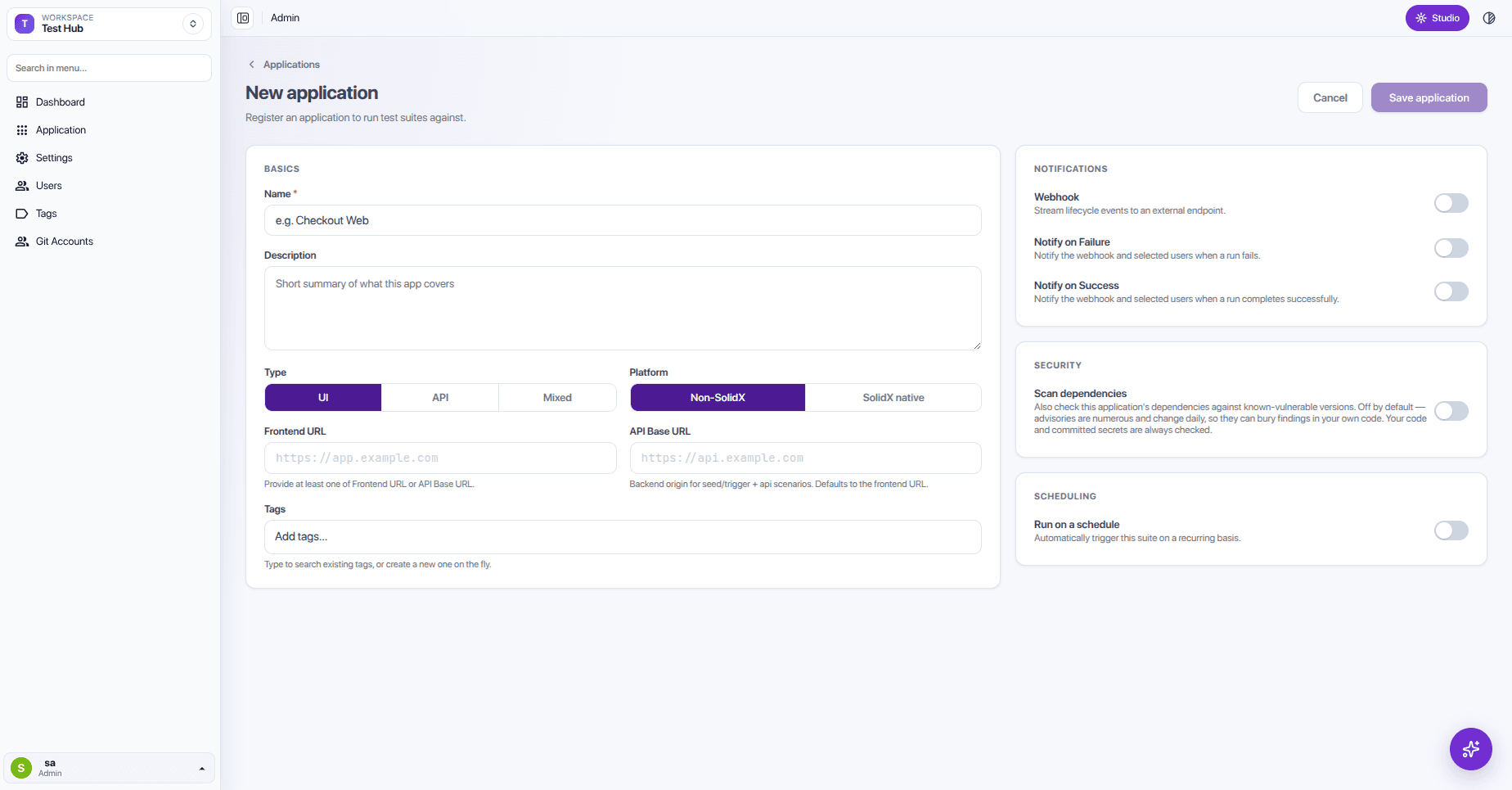
Register any web app
UI, API, or mixed. SolidX-built or not. Alerts and schedules included.
Ask what to test
The agent reads the repo and asks which areas matter.
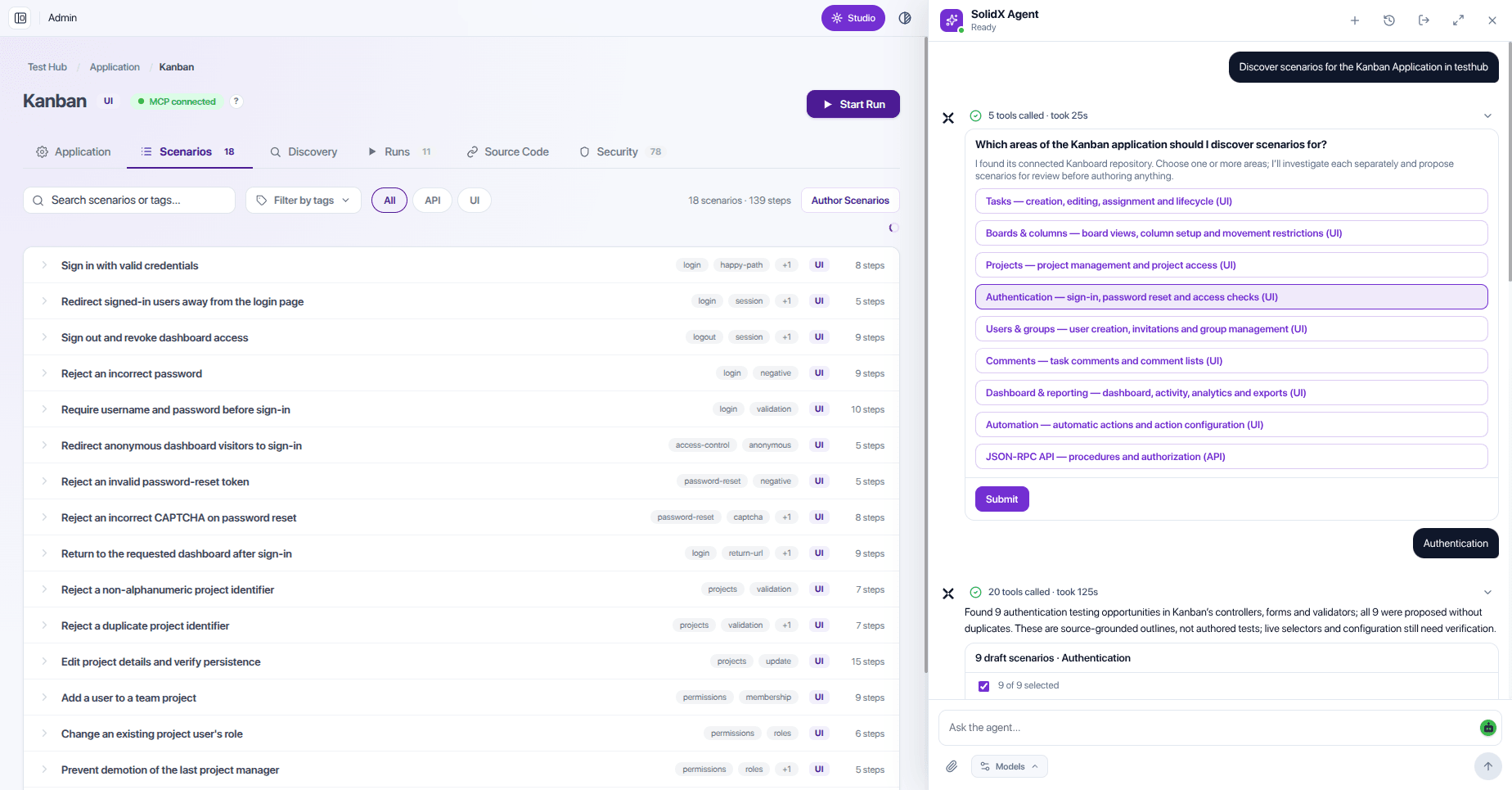
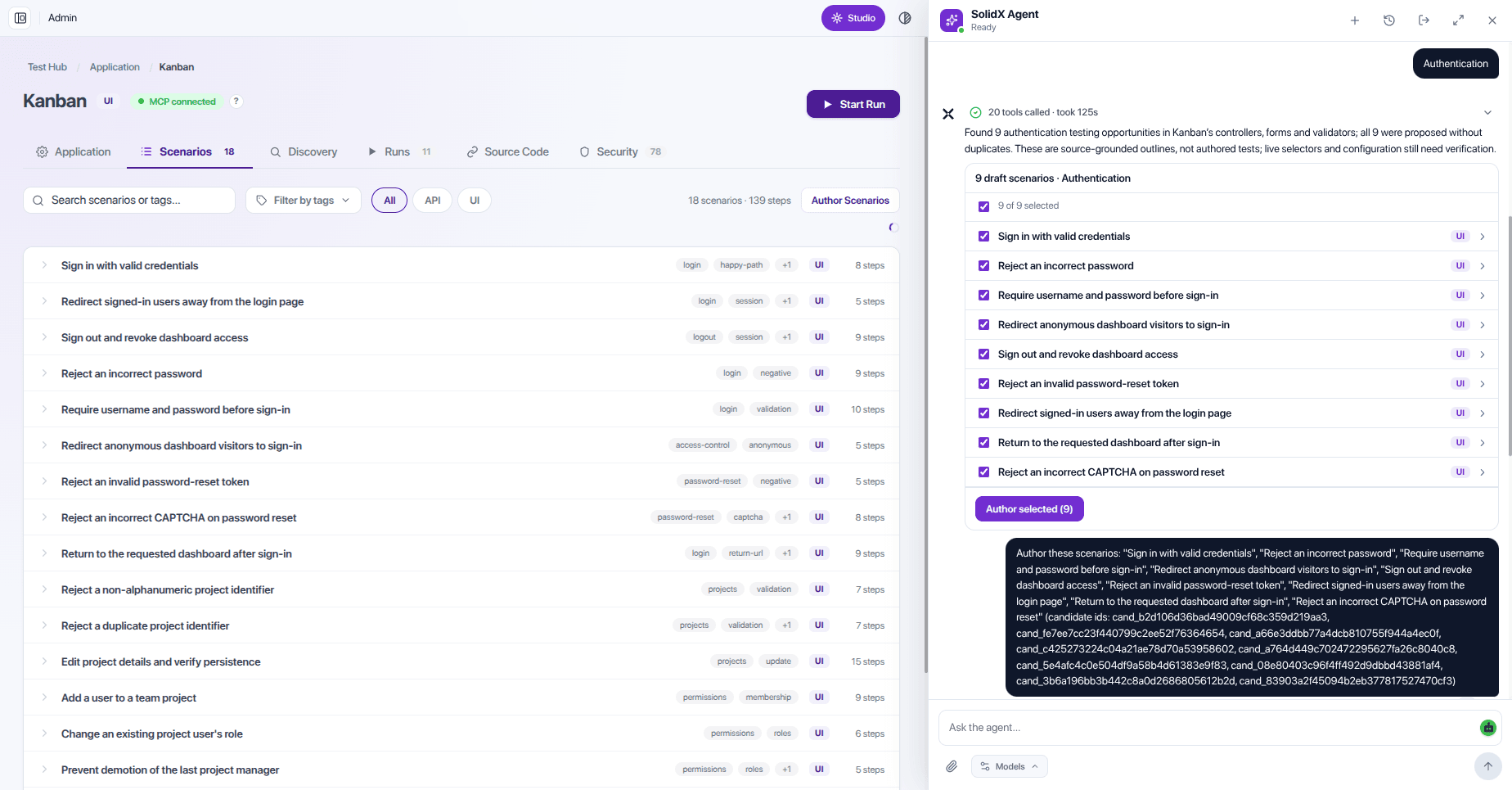
Pick the drafts to author
Grounded drafts arrive as a checklist. You choose.
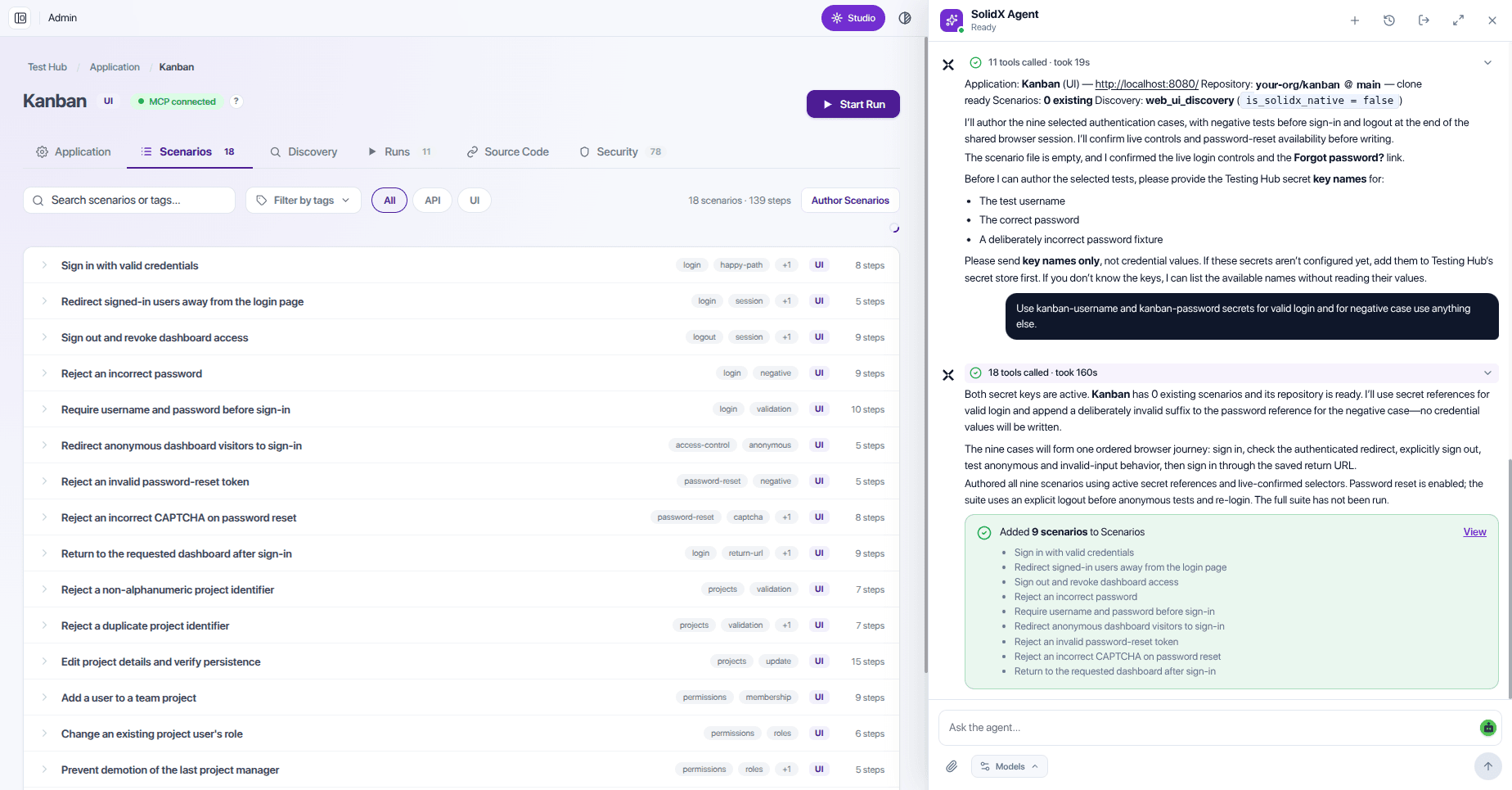
Scenarios added
Written against live selectors, with secrets by name only.
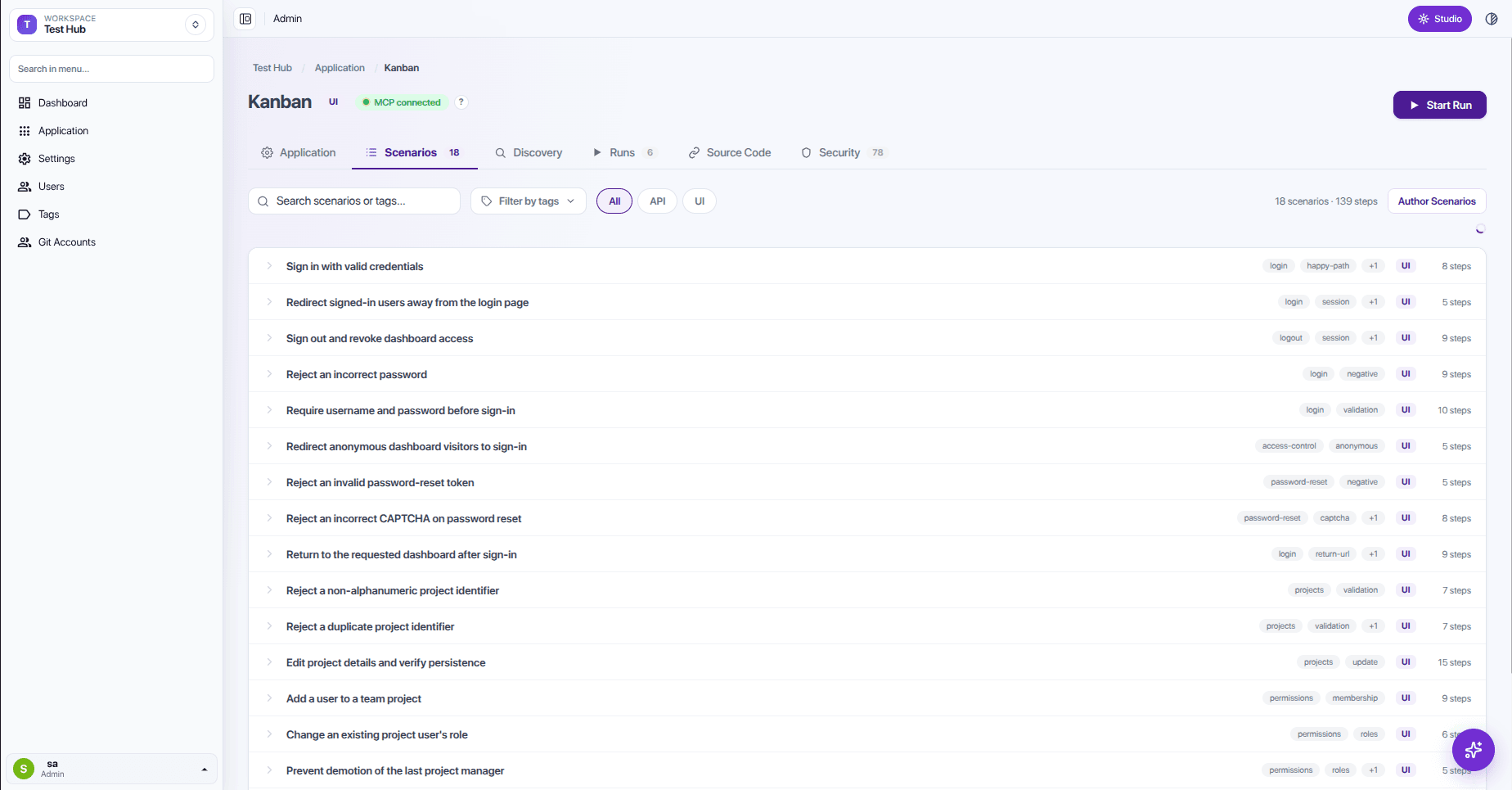
Readable scenarios
Plain-language names, tags, and step counts.
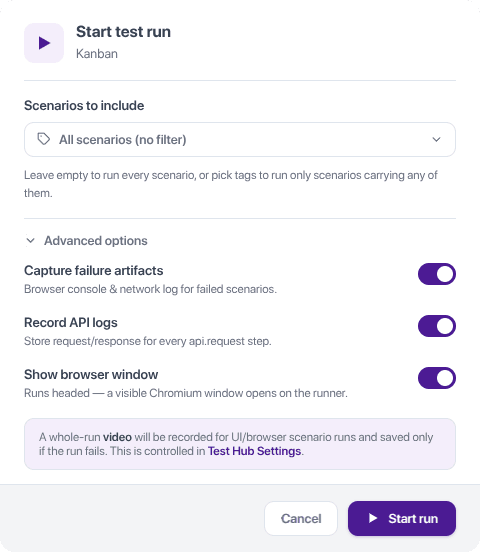
Run on demand
Filter by tag, capture artifacts, watch the browser if you like.
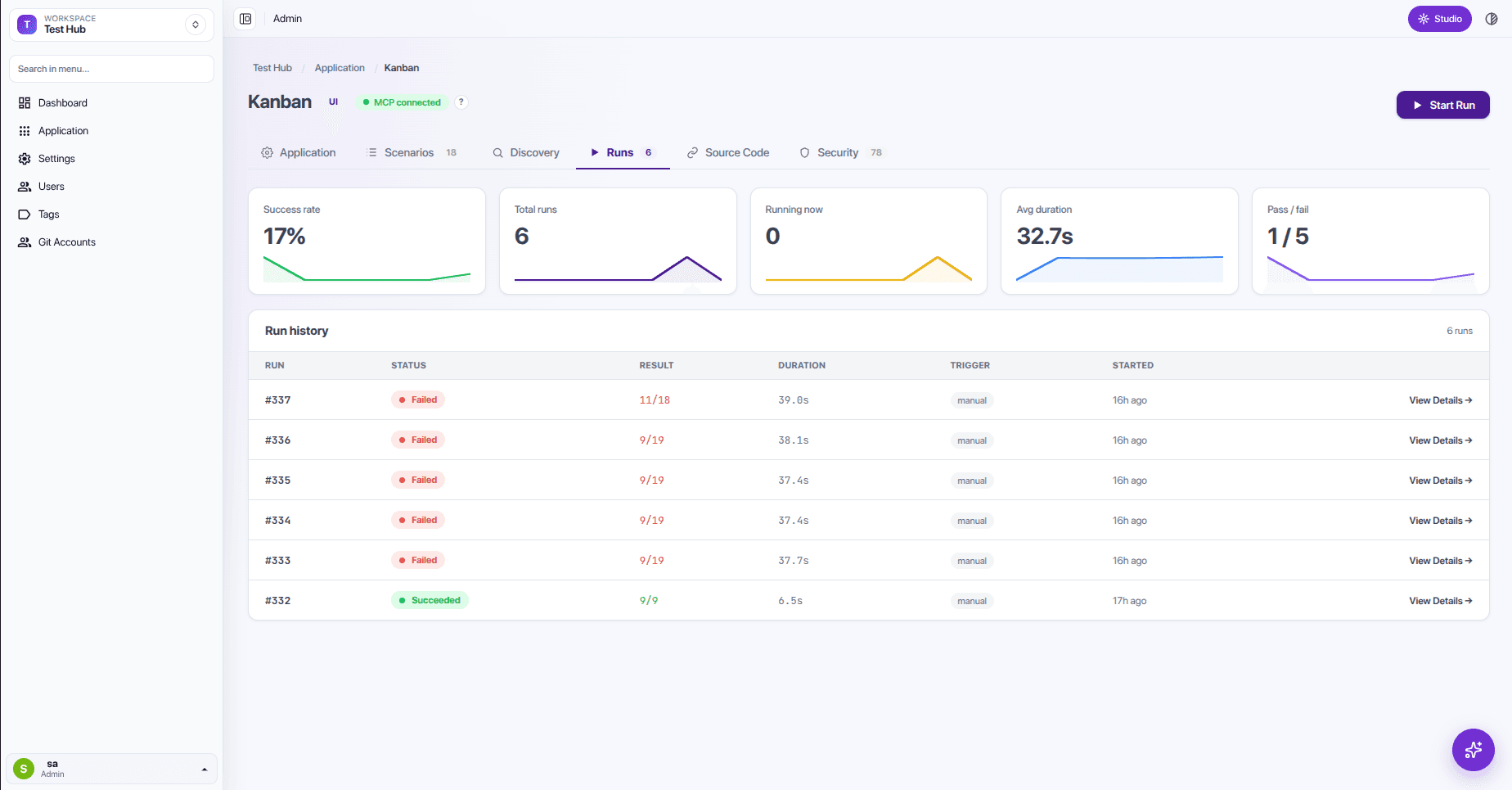
Every run on record
Success rate, duration, and history per application.
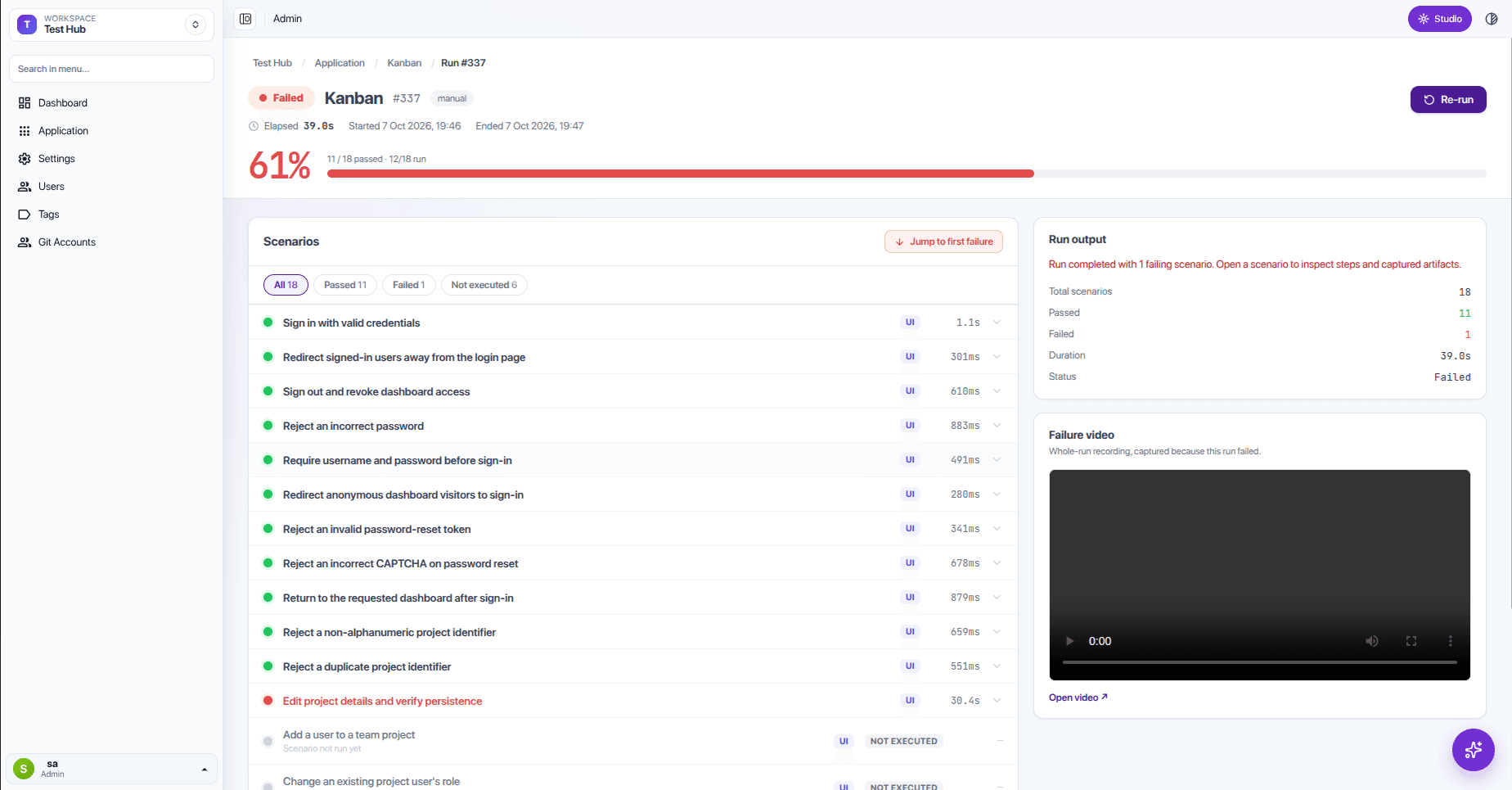
Failures with a paper trail
Jump to the first failure. Watch the video. Read the logs.
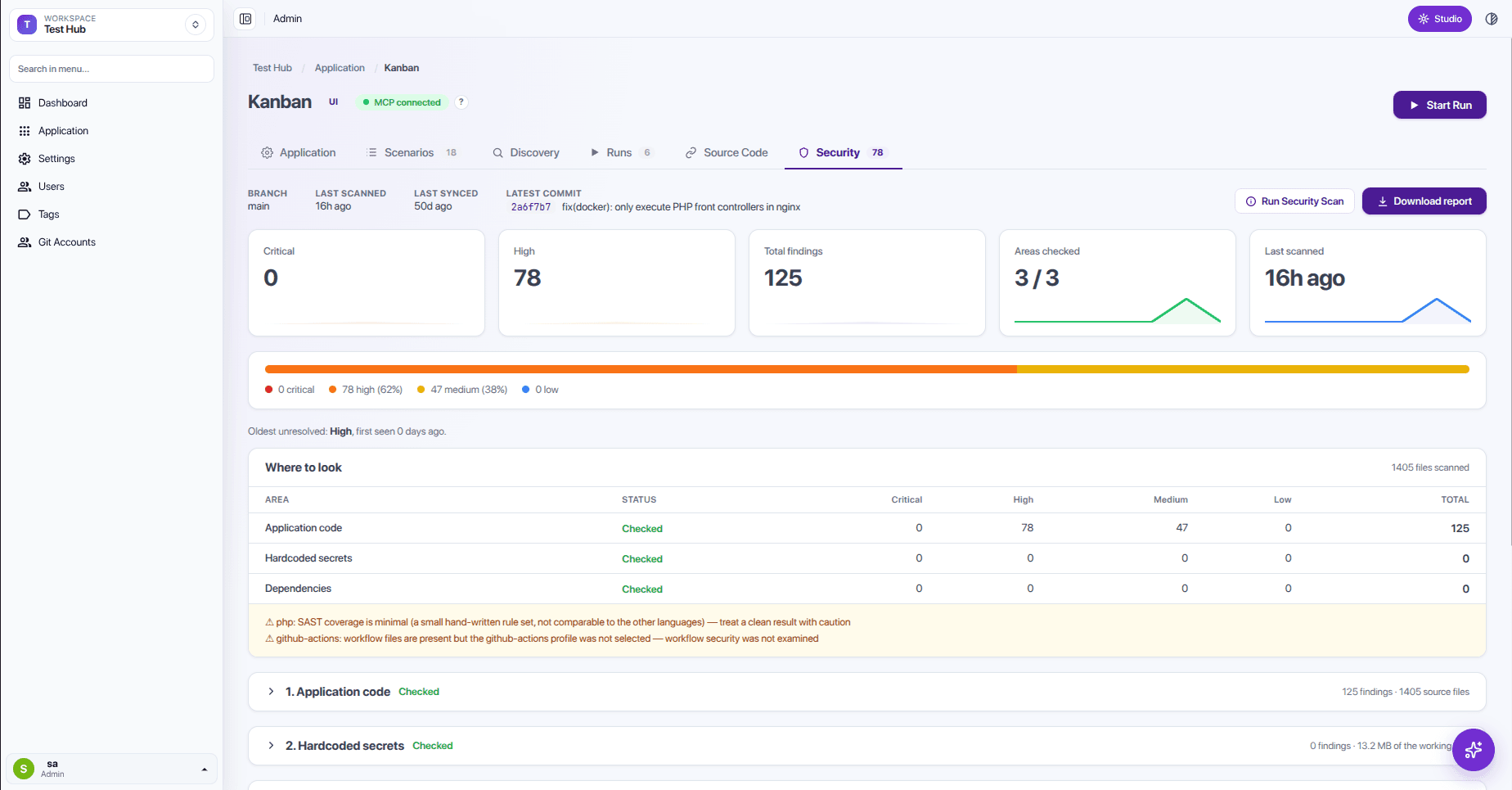
Security findings by severity
Secrets, vulnerable packages, and risky code, with a PDF report.
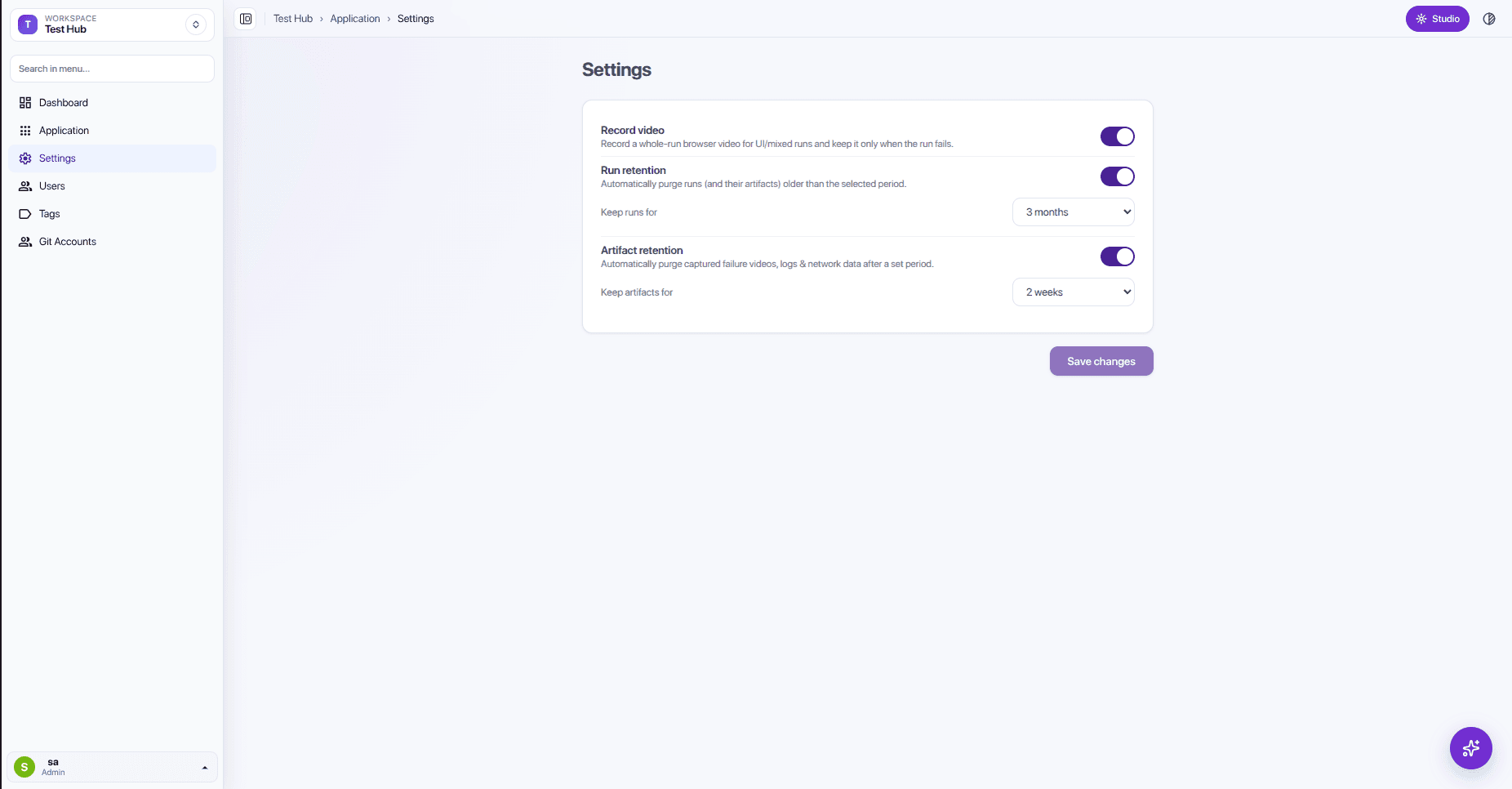
Retention you control
Keep failure videos and artifacts only as long as you need.
Want the tour on your own application?
We connect one of your apps and walk through it live.